PLOT vs NovelAI: which one fits you?
2026-07-26 · PLOT Team
- NovelAI = a hands-on writing tool — an anime-style image generator plus a storytelling assistant you drive yourself.
- PLOT = a finished interactive novel app that starts from a genre pick, with an ending whenever you want one.
- Want to write it yourself and generate images → NovelAI. Want a story to read in your language → PLOT.
Facts checked July 2026, from official pages and documentation. Sources at the bottom. Written by the PLOT team — we tried to be fair; the last section treats both products on their own terms.
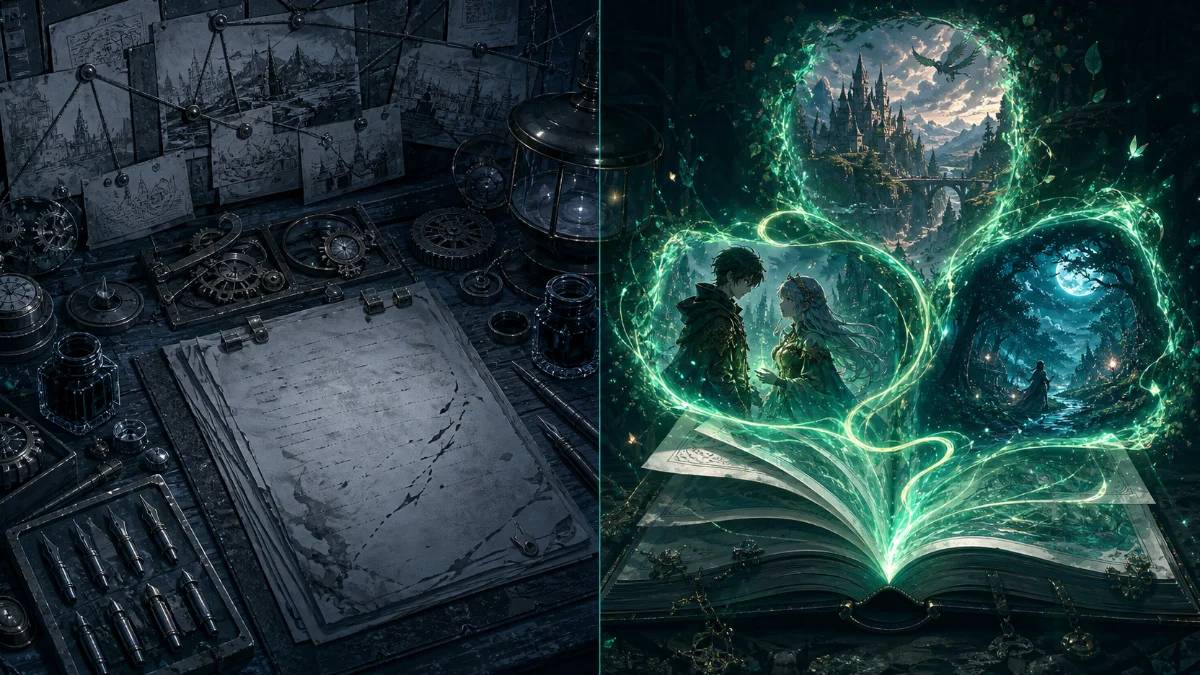
These two get compared a lot, but they are actually different categories. NovelAI is a writing tool: it introduces itself as "AI Anime Art & Stories," you pick a Storyteller or Text Adventure mode and write with it, and it generates images too. PLOT is a finished interactive novel app: pick a genre and the story starts, the AI writes the prose, and you read it. One is a brush you hold; the other is a book that reads back when you open it.
Pricing (as of 2026-07)
| NovelAI | PLOT | |
|---|---|---|
| Free tier | Paper — 50 text generations, 30 image generations (up to 1024x1024) | Free chapters to start; in the mobile apps you keep earning free pages by watching ads |
| Subscription | Tablet $10 / Scroll $15 / Opus $25 per month — unlimited text, larger context and image limits | None — there is no subscription |
| Pay as you go | Paid Anlas, the currency for image generation | One-time page packs |
NovelAI pricing from the official subscription docs (docs.novelai.net), checked July 2026. Anlas is a dedicated currency spent only on image generation.
What each product actually does
| NovelAI | PLOT | |
|---|---|---|
| Core format | A writing tool — AI continues your prose as a co-writer, plus image generation | A finished interactive novel — prose with a plot, characters, and consequences |
| How you steer | You configure Storyteller (prose continuation) or Text Adventure (command input) yourself | A/B choices or free-text input at every page |
| Starting friction | A writer's tool — you set up modes, a Lorebook, and prompts | Pick a genre and it starts — no setup required |
| Endings | No documented ending feature — continuation-focused | Generate an ending on demand, at turn 3 or turn 300 |
| Illustrations | Yes — anime-style image generation (spends Anlas) | Scene illustrations generated on request |
| Memory | Lorebook plus a context window (expanded on the newest models) | Long-context tracking is the core design — an author's note carries foreshadowing across hundreds of turns |
| Languages | UI in English and Japanese; support for other languages is not stated in the official spec | 40 languages, with both the UI and the novel generation running natively |
| Platforms | No native app — mobile via PWA | iOS, Android, web, Toss (Korea), Telegram |
| Pricing model | Flat subscription (unlimited text) plus Anlas for images | Free to start + page-pack IAP + rewarded ads |
Who should pick NovelAI
You are a writer who wants to write. You want to shape the sentences yourself, build a world with a Lorebook and prompts, and use the AI as a continuation partner — and you want to generate anime-style images alongside it. That is exactly what NovelAI is built for: a tool placed in the creator's hands.
Who should pick PLOT
You want a story, not a setup — reading, not grinding. You want it to start from a single genre pick, to turn the one line in your head into a novel that keeps the thread, in your own language, with an ending whenever you say so. You want to open the app and just read.
Try PLOT free →Sources
NovelAI product, pricing, languages, and platform — novelai.net, docs.novelai.net (subscription, language, and FAQ docs), checked 2026-07-26 · PLOT facts — plotai.app, app listings (July 2026). Found something outdated? contact@plotai.app — we correct facts.